- create flipbook animations online!
Login
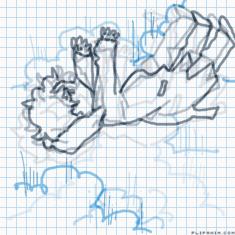
Mario is Insane.
GIF
Report
27.11.2023
8 comments
27.11.2023 18:45
Link
Report
Is this comment inappropriate? Report it?
Yes
No
Thank you!
YA-HOO!!
27.11.2023 18:46
Link
Report
Is this comment inappropriate? Report it?
Yes
No
Thank you!
(*mario sound.* incase you didnt get it.)
27.11.2023 18:46
Link
Report
Is this comment inappropriate? Report it?
Yes
No
Thank you!
again, how did you make the shadows transparent? Can you give me the step by step?
27.11.2023 18:50
Link
Report
Is this comment inappropriate? Report it?
Yes
No
Thank you!
1. select the color BLACK. full black. all the way down. 2. go to the slide bar below that says opacity, and slide it down to where the black is lighter. about two thirds of the way down. 3. use it on your page, and when you use it, you can still see whats underneath, but if you let go and try to use it again where you've already used it, it will be darker. you can mess around with how far you drag the slider to make it darker or lighter.
27.11.2023 18:52
Link
Report
Is this comment inappropriate? Report it?
Yes
No
Thank you!
thanks
27.11.2023 18:52
Link
Report
Is this comment inappropriate? Report it?
Yes
No
Thank you!
sure thing
27.11.2023 18:57
Link
Report
Is this comment inappropriate? Report it?
Yes
No
Thank you!
not the turtles :(
27.11.2023 18:59
Link
Report
Is this comment inappropriate? Report it?
Yes
No
Thank you!
yes the turtles 😈
Login or register to post new comments.