

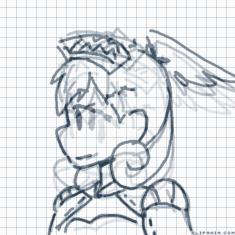

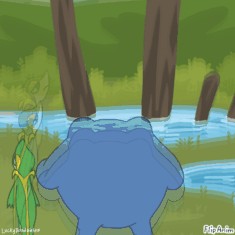

Wacky eyes


8 comments
XMrsSmileyFaceX
26.03.2021 16:55
LinkFor the file
1.Go to beta editor
2.Click the gear
3.press the paper with a green arrow
4.Press the file that you downloaded
5.Wait for it to load (if it doesnt draw on it press the undo button and it should pop up if not still just redo it all)
6.You have your file!

Letter2-[OP]
26.03.2021 17:55
LinkWell is there a way without beta editor , beta editor no work for me
XMrsSmileyFaceX
26.03.2021 18:13
LinkI dont think so-
I think you can only use files on beta
Letter2-[OP]
26.03.2021 18:13
LinkOk
XMrsSmileyFaceX
26.03.2021 18:14
Linkyea no...
Its just gonna give you a blank screen-
How come beta doesnt work for you??
Letter2-[OP]
26.03.2021 18:53
LinkSchool i pad :(
Letter2-[OP]
26.03.2021 18:53
LinkIt’s blocked D:<
XMrsSmileyFaceX
26.03.2021 19:08
Linkohh- you can access on regular phone or any other device