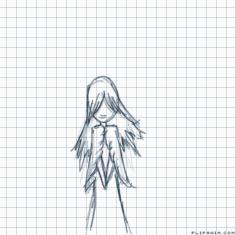
How i animate movement

4 comments
Toastfly[OP]
03.08.2018 00:28
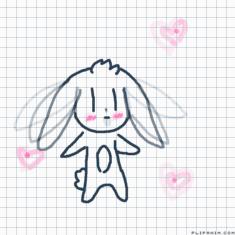
LinkSo basically you see the circle with an X? Thats were the tail would be, but now heres the hard bit to explain. If you wanted to move the arm up you'd put it were the arm would start, so like the armpit for example. So amagine a body with no arms and no legs. you'd put an x on the body were the arms and legs would be, but only if your animating. So if i wanted to only animate the legs i'd keep the arms there and do a body without the legs. And on a different layer/Frame you'd draw the x and then make sure the x is not seen in the animation. and is covered, but everything you animate has to cover up the x. Then once you;ve animated the leg movement, copy and paste it in. This is only if your character isnt moving across the scene. So walking on the spot is fine for this method.
Hopefully you understand what im talking about
Toastfly[OP]
03.08.2018 00:30
LinkAnd then to animate i' reccomend two of the same tail movement on one. Then trace it, then animate. Once you've finished, trace the last frame. Once again, remember to cover up that x. Then copy and paste the body onto the tail movement and- Animation BOOM