
Ball Throw

Cute Whale

灵幻新隆
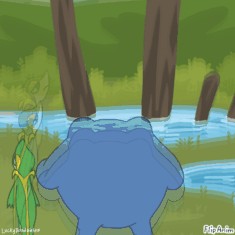
the psmd poliwrath boss sucked
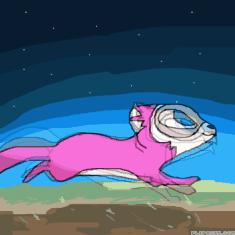
New oc :) (name ideas please!)
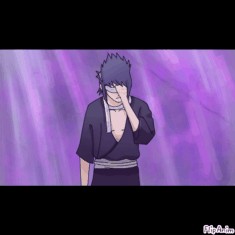
Sasuke Uchiha 💙
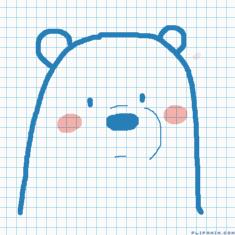
Ice Bear
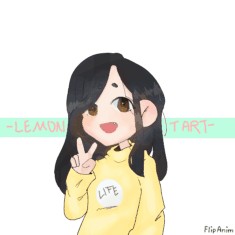
New online pfp!

by:
jewishwarrior  21
21
 21
21
04.01.2020

12 comments

HellNo
04.01.2020 16:25
LinkOoo noice

First, on the old editor, you make two colors or more, like so here, then upload to a file, then go to the new editor then upload the file, then you zoom in with the zoom in tool, and that’s how you do it!
Do you see the gear thing below your anim on the old editor? Well, if so, tap ON that, then tap on the paper with the red arrow on it, then there’s your file!
Comment removed
Comment removed

Comment removed
Comment removed
Comment removed
Comment removed
Comment removed